EdgeBar
Control your Mac's volume and brightness from the trackpad
How the listing is doing
Counted by Noonlaunch
Votes
1
+1 this month
Comments
0
Updates
0
none yet
Launch week
#7
of 7 that week
This page on Noonlaunch · since launch
Still working after launch week
Counted by Noonlaunch
Seen in listings
0
board, directory, winners
Page views
0
opened this page
Traffic, day by day
One point per day, since launch. Each line is scaled to its own peak. Hover any day.
Impressions
Page views


Shashank Bhardwaj
Maker
Pinned on this launch
Hi all - Shashank here. The edges of the MacBook trackpad sit unused, so I made them into volume and brightness sliders. 400+ people have bought EdgeBar so far, and most recent features came from their requests - Precise Sliding, Active Area, and brightness on external monitors. Try a slow slide on the right edge first. Would love to hear what you'd want next.
About EdgeBar
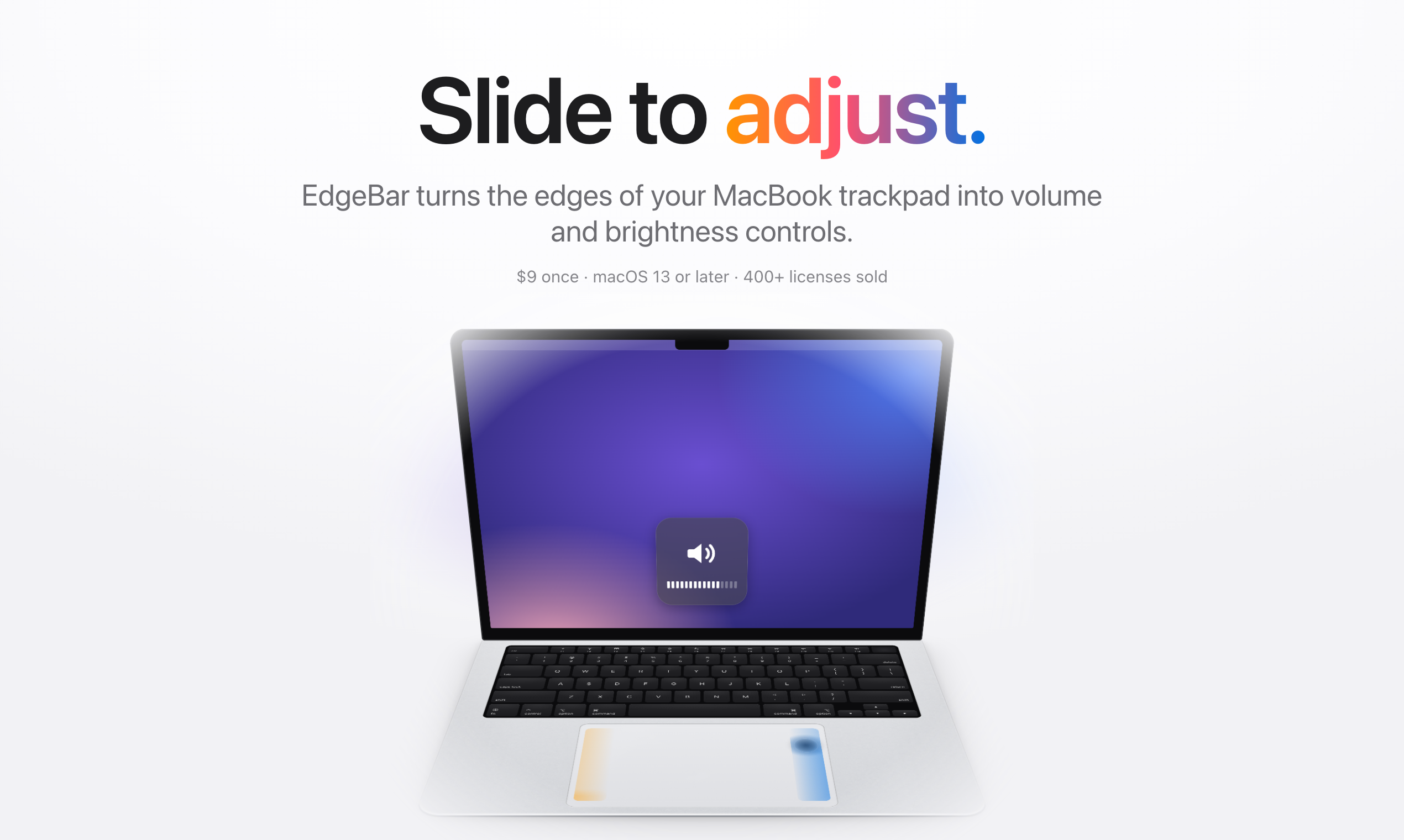
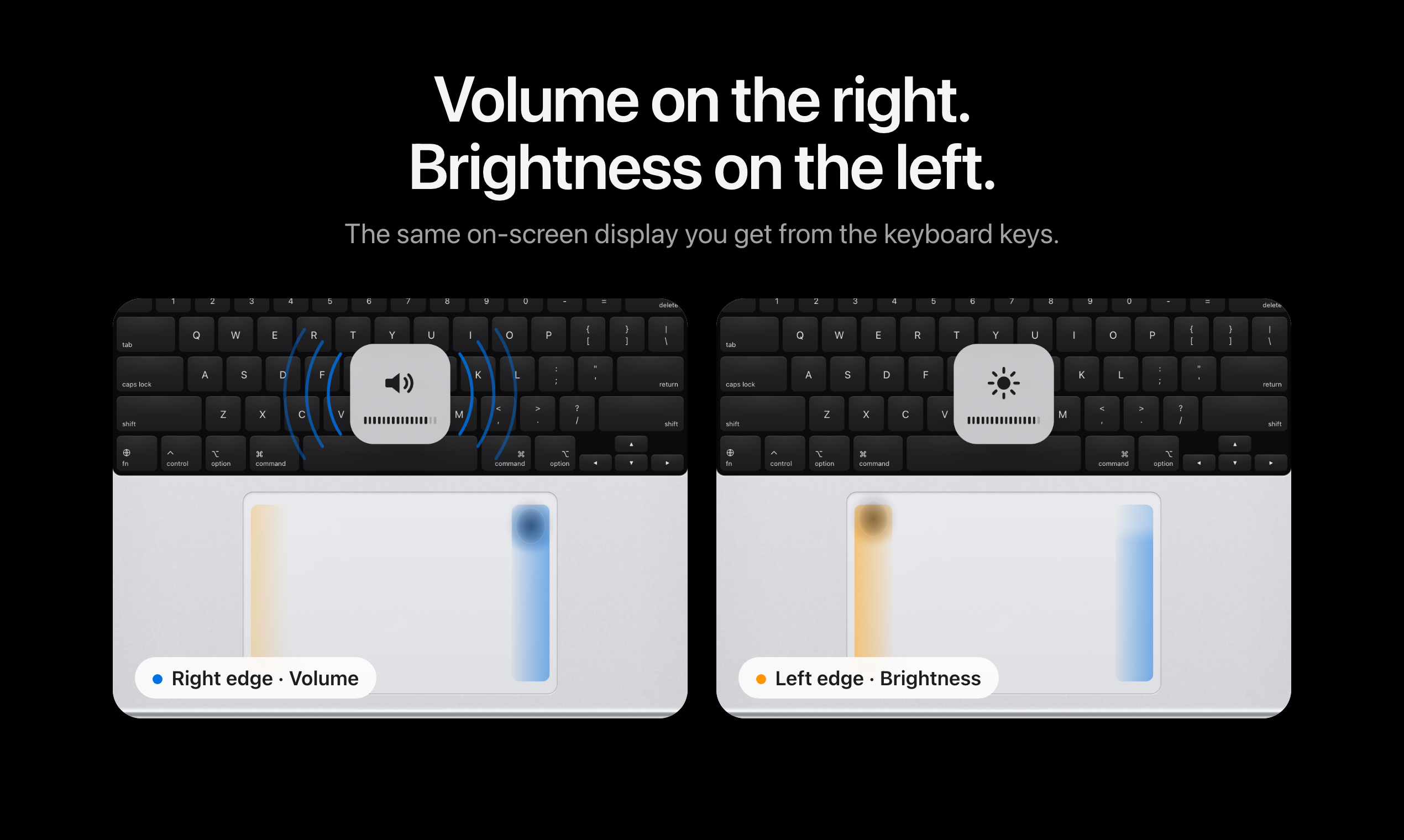
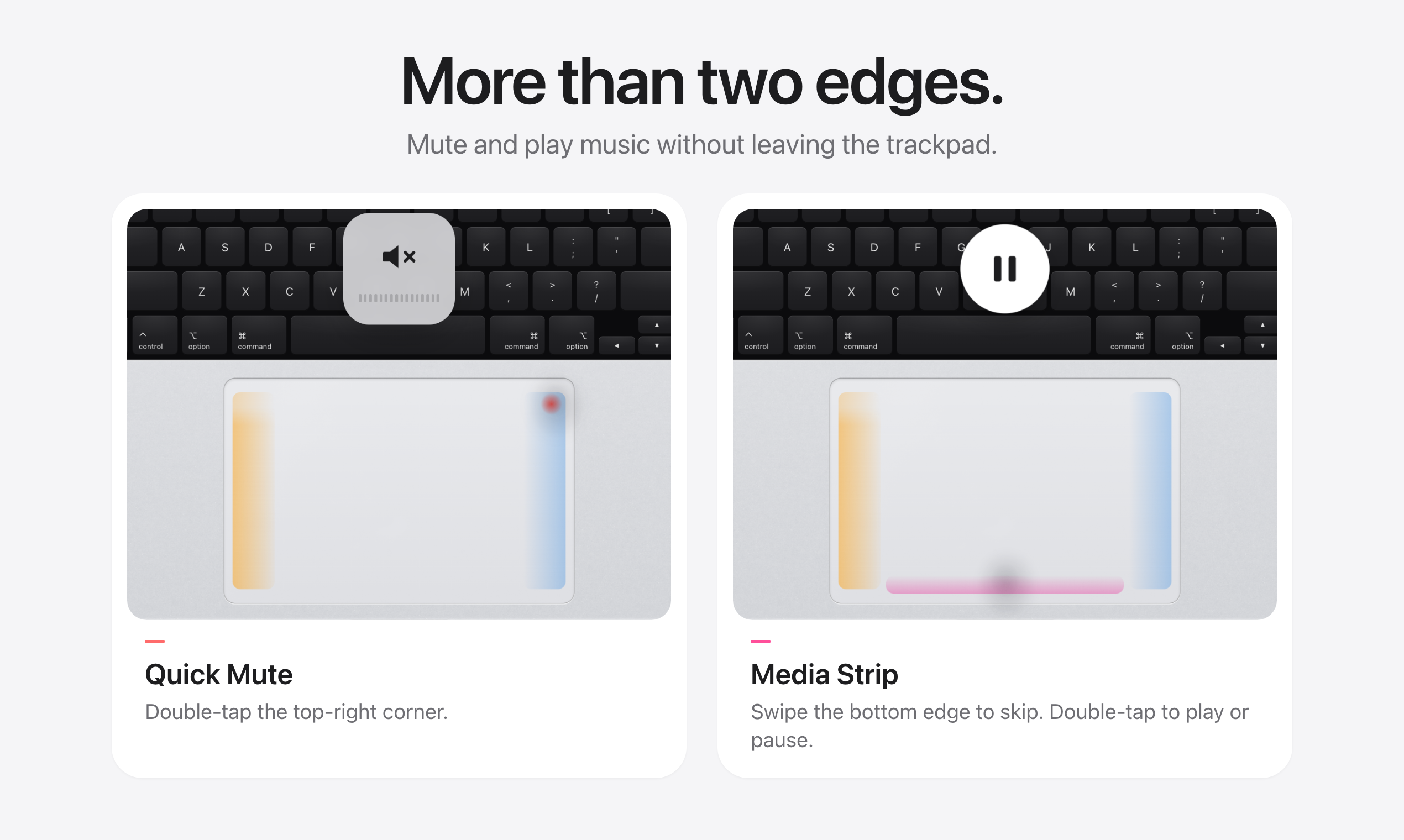
EdgeBar turns the edges of your MacBook trackpad into volume and brightness controls. Slide one finger along the right edge for volume and the left edge for brightness, with the same on-screen HUD as the keyboard keys. Double-tap the top-right corner to mute, swipe the bottom edge to skip tracks, and feel a light haptic tick as you slide. Lives in the menu bar with almost no CPU. $9 once, no subscription. macOS 13 or later.
What has shipped since
Nothing posted yet.
No updates yet
When Shashank ships something, it shows up here.
0 comments
Sign in to ask the maker a question.
Log in
No comments yet
First question about EdgeBar goes here.
This launch
- Launch week
- 22 Mar – 28 Mar 2027
- Placed
- #7 of 7
- Category
- Productivity
The maker
Shashank Bhardwaj
Share it
Launching alongside




More in Productivity