GhostPrompter
#1 that weekLook natural on camera. Stay confident while presenting.
How the listing is doing
Counted by Noonlaunch
Votes
1
Comments
0
Updates
0
none yet
Launch week
#4
of 37 that week
This page on Noonlaunch · since launch
Still working after launch week
Counted by Noonlaunch
Seen in listings
77
board, directory, winners
Page views
56
opened this page
Traffic, week by week
One point per week, since launch. Each line is scaled to its own peak. Hover any week.
Impressions
Page views
Where GhostPrompter is now
The product's own traffic, last 28 days
Google-verified
Monthly users
883
Page views
2,862
Search clicks
324
Domain rating
32

Eldho Benny
Maker
Pinned on this launch
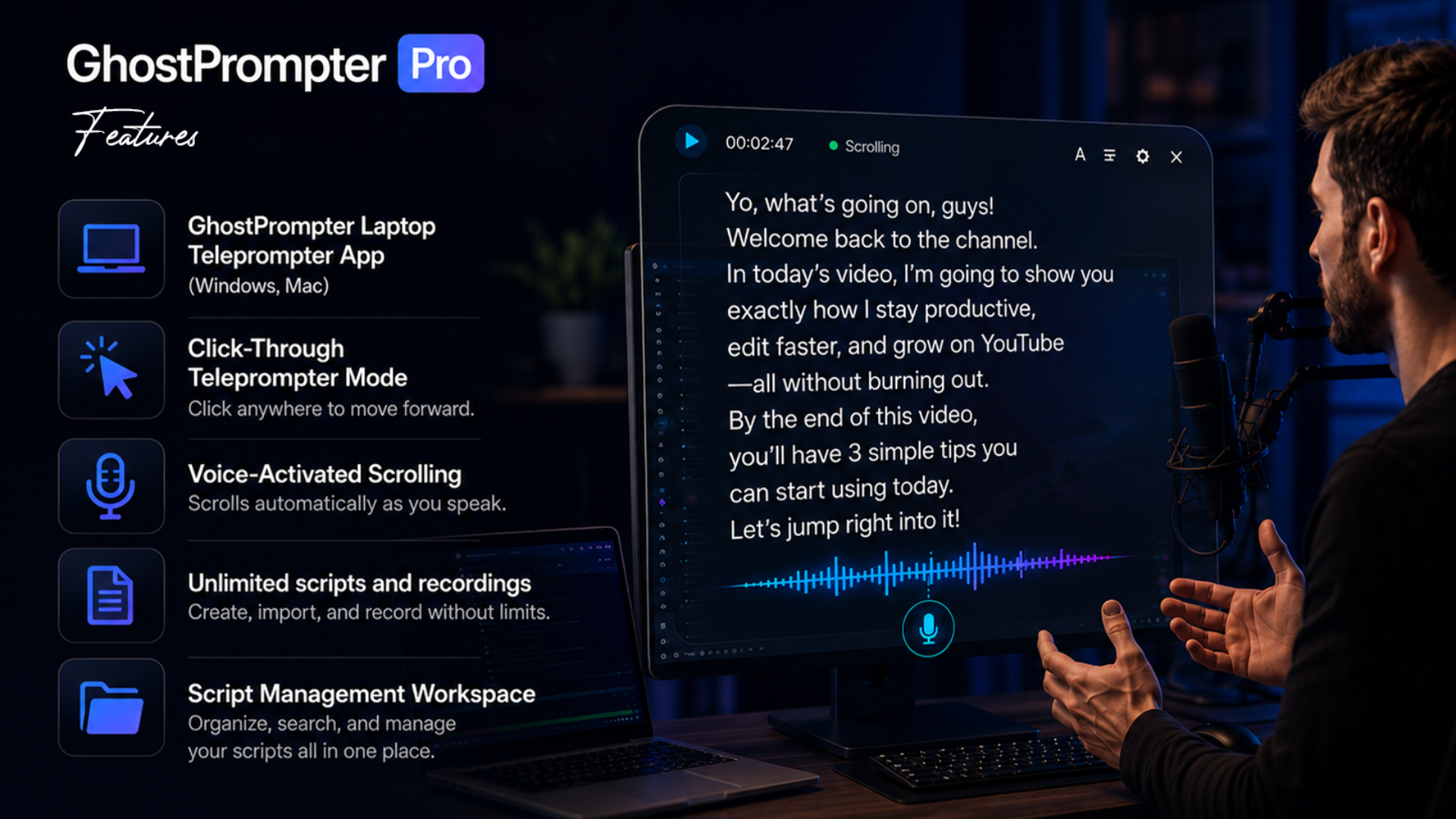
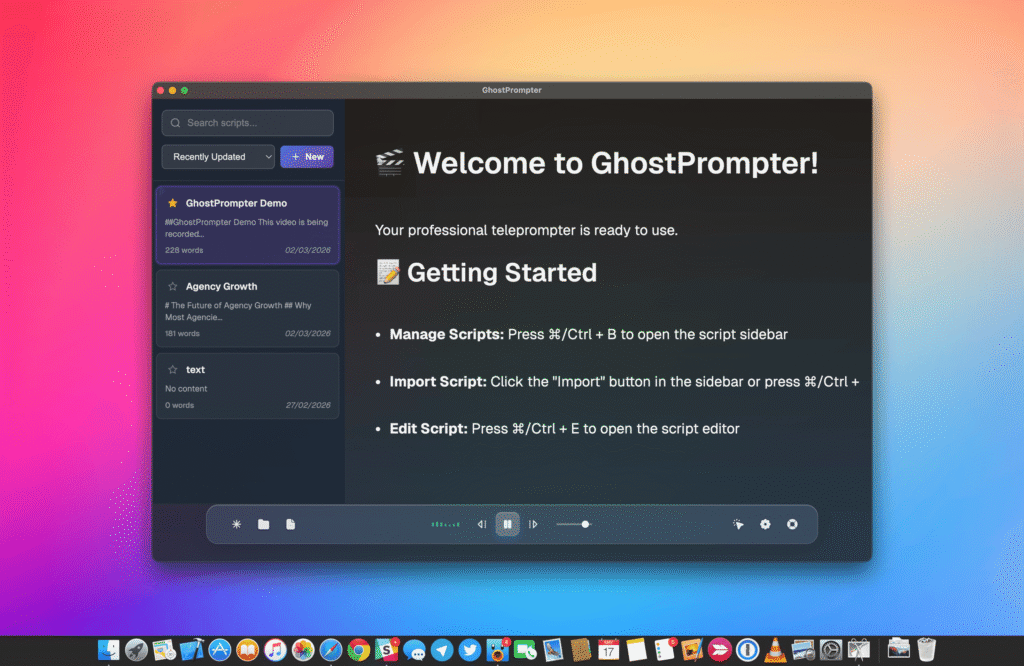
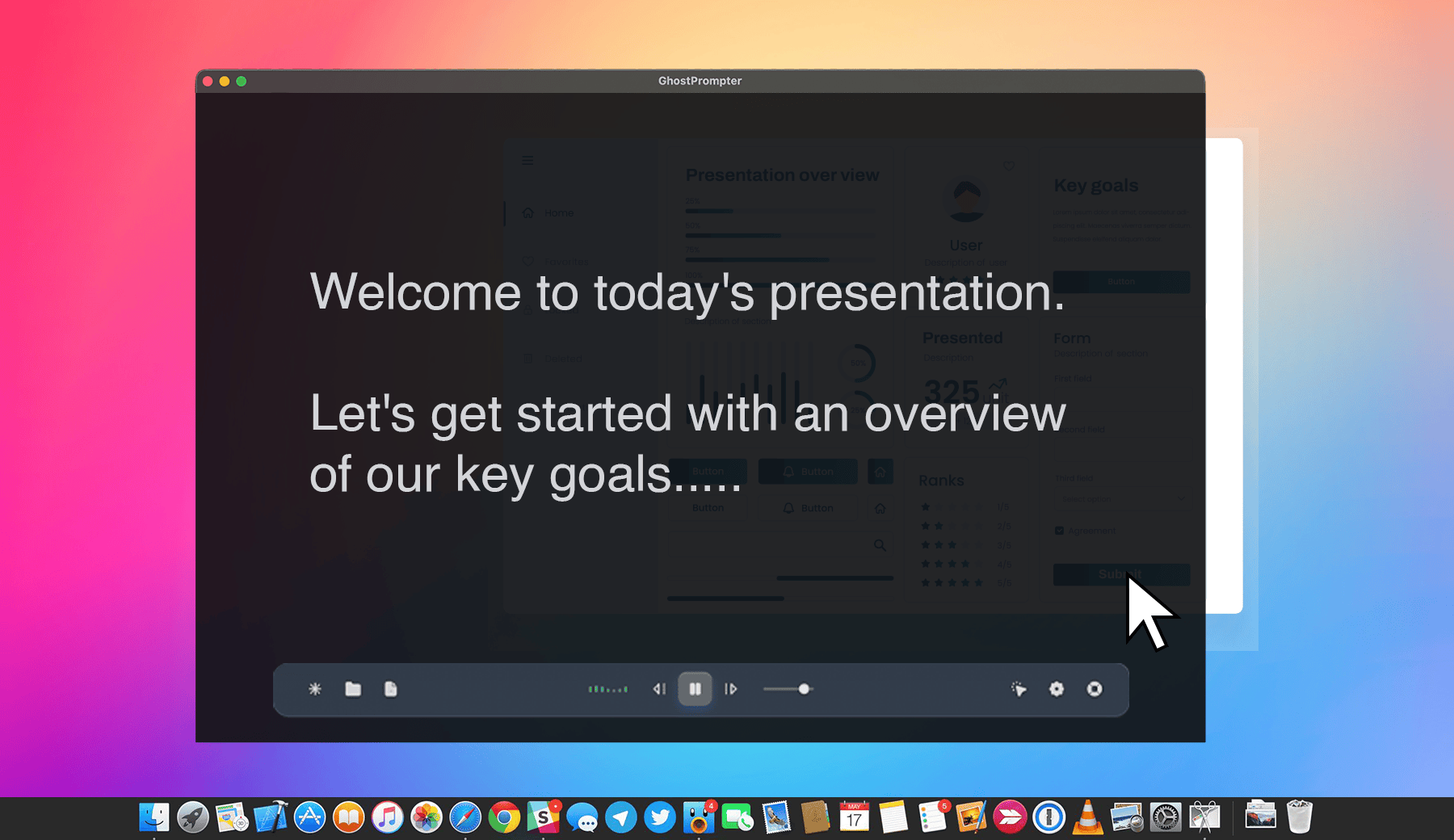
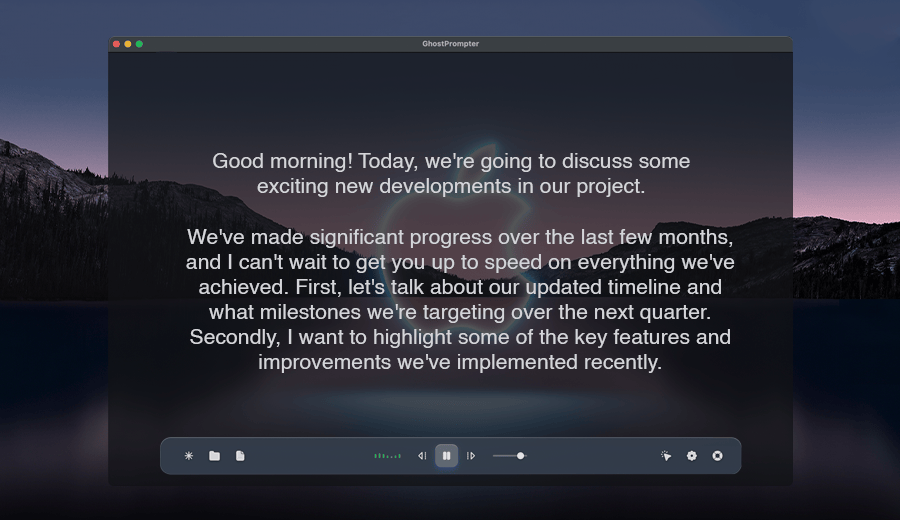
I built GhostPrompter because I was frustrated with teleprompters that blocked my screen or forced me to look away from the camera while presenting and recording. GhostPrompter solves that with a click-through overlay that lets you read your script while continuing to interact with your apps. It also includes voice-activated auto-scroll that follows your speaking pace, and the overlay stays invisible in screen recordings—only you can see it. I'd love to hear your feedback, feature ideas, or workflows you'd like GhostPrompter to support. Thanks for checking it out! 👻
About GhostPrompter
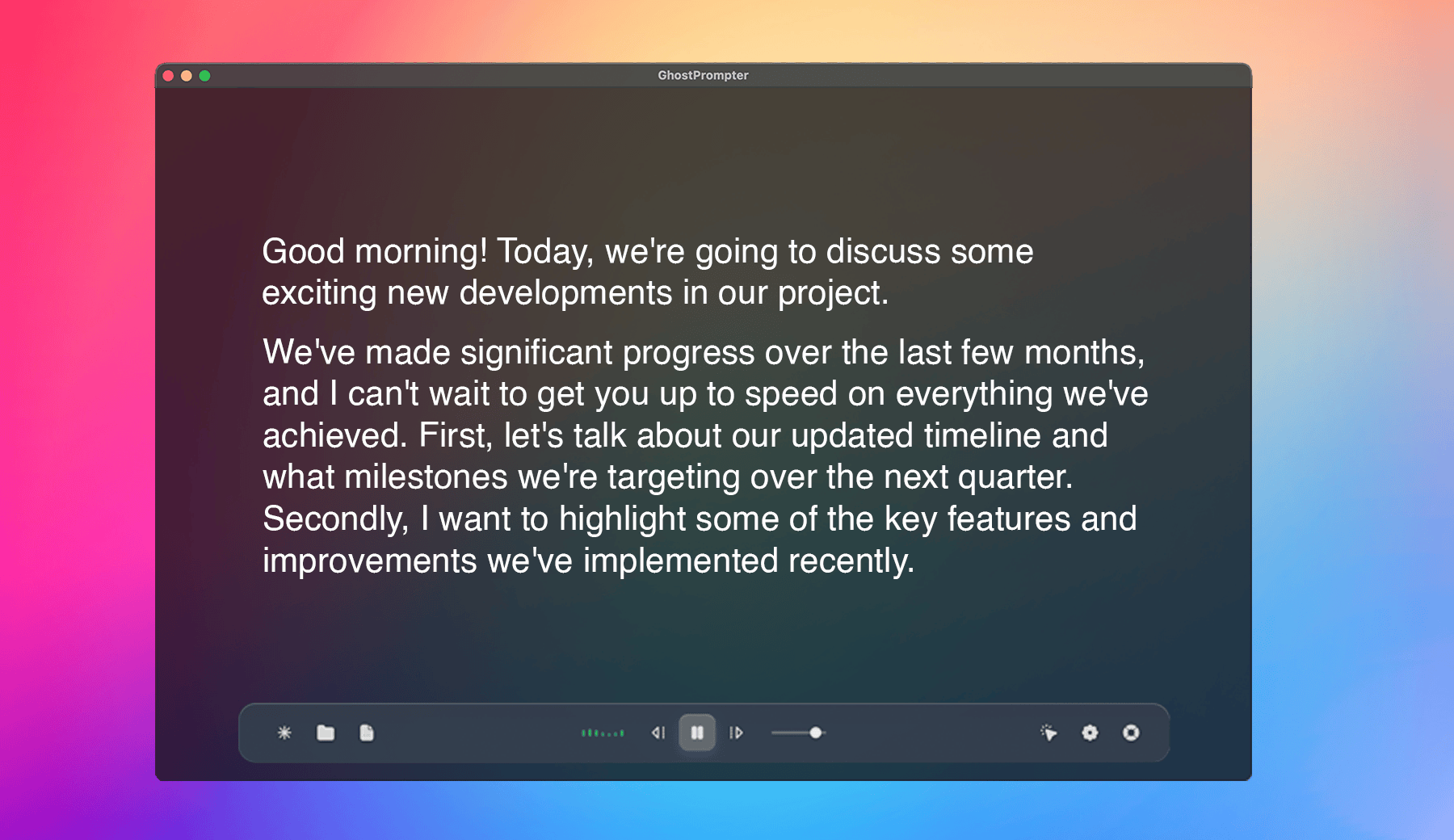
GhostPrompter helps you look natural on camera and stay confident while presenting by letting you read your script without losing eye contact. Its invisible click-through overlay sits above your screen without blocking clicks, typing, or presentations, so you can continue working naturally. Voice-activated auto scroll follows your speaking pace for smoother delivery, while the teleprompter remains invisible in screen recordings and screen sharing. Fully customizable fonts, transparency, and positioning help you create a setup that fits your workflow on Windows and macOS.
What has shipped since
Nothing posted yet.
No updates yet
When Eldho ships something, it shows up here.
0 comments
Sign in to ask the maker a question.
Log in
No comments yet
First question about GhostPrompter goes here.
This launch
- Launch week
- 20 Jul – 26 Jul 2026
- Placed
- #4 of 37
- Category
- Productivity
The maker
Eldho Benny
Share it
Winner badge
 #1 in the week of 26 Jul 2026.
#1 in the week of 26 Jul 2026.
Also that week




More in Productivity