MicroNotch
Voice Dictation & Code | 20+ Tools on your mac.
How the listing is doing
Counted by Noonlaunch
Votes
1
+1 this month
Comments
0
Updates
0
none yet
Launch week
#12
of 12 that week
This page on Noonlaunch · since launch
Still working after launch week
Counted by Noonlaunch
Seen in listings
0
board, directory, winners
Page views
1
opened this page
Traffic, day by day
One point per day, since launch. Each line is scaled to its own peak. Hover any day.
Impressions
Page views

Adam Godsall
Maker
Pinned on this launch
I built MicroNotch around something I care about as a developer: keeping useful information close without constantly breaking focus. That includes the small things, finding copied text, keeping a file ready to share or starting a timer, and knowing whether an AI coding session is still working, needs my input or has finished. MicroNotch brings those tools together at the top of the Mac. MicroVoice adds on-device English dictation, so speaking can be part of the workflow too.
About MicroNotch
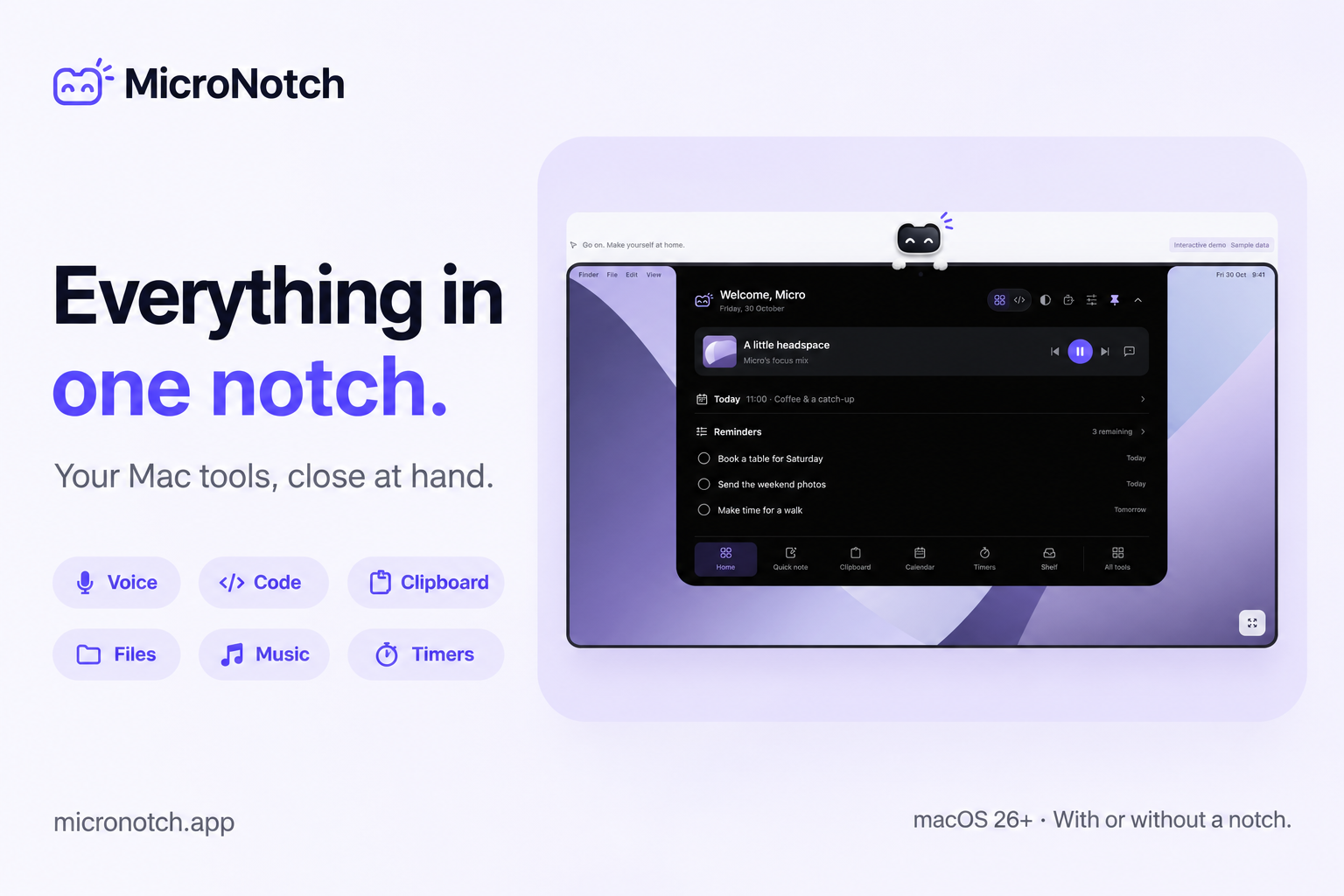
MicroNotch puts voice dictation, AI coding session monitoring and everyday Mac tools at the top of your screen.
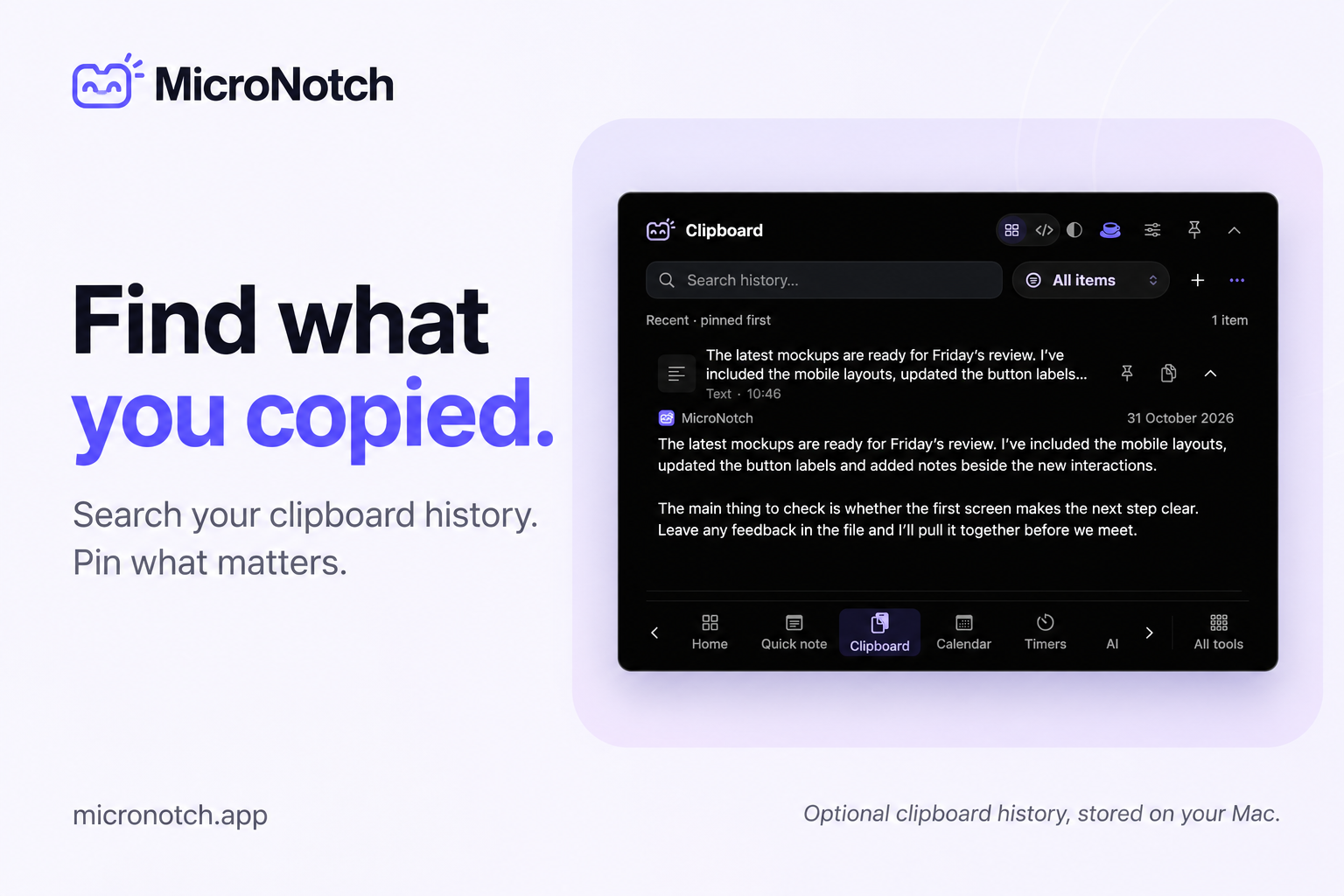
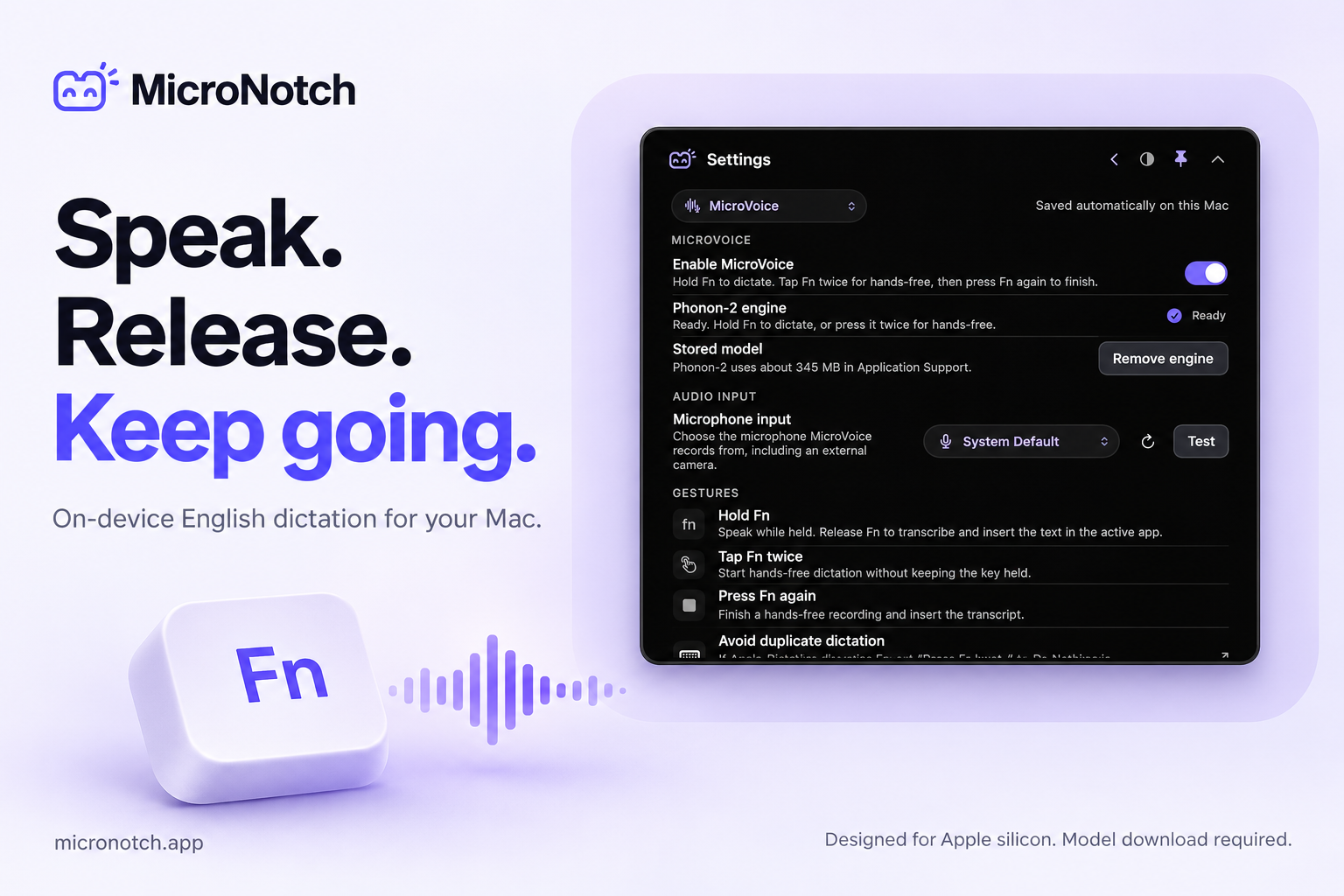
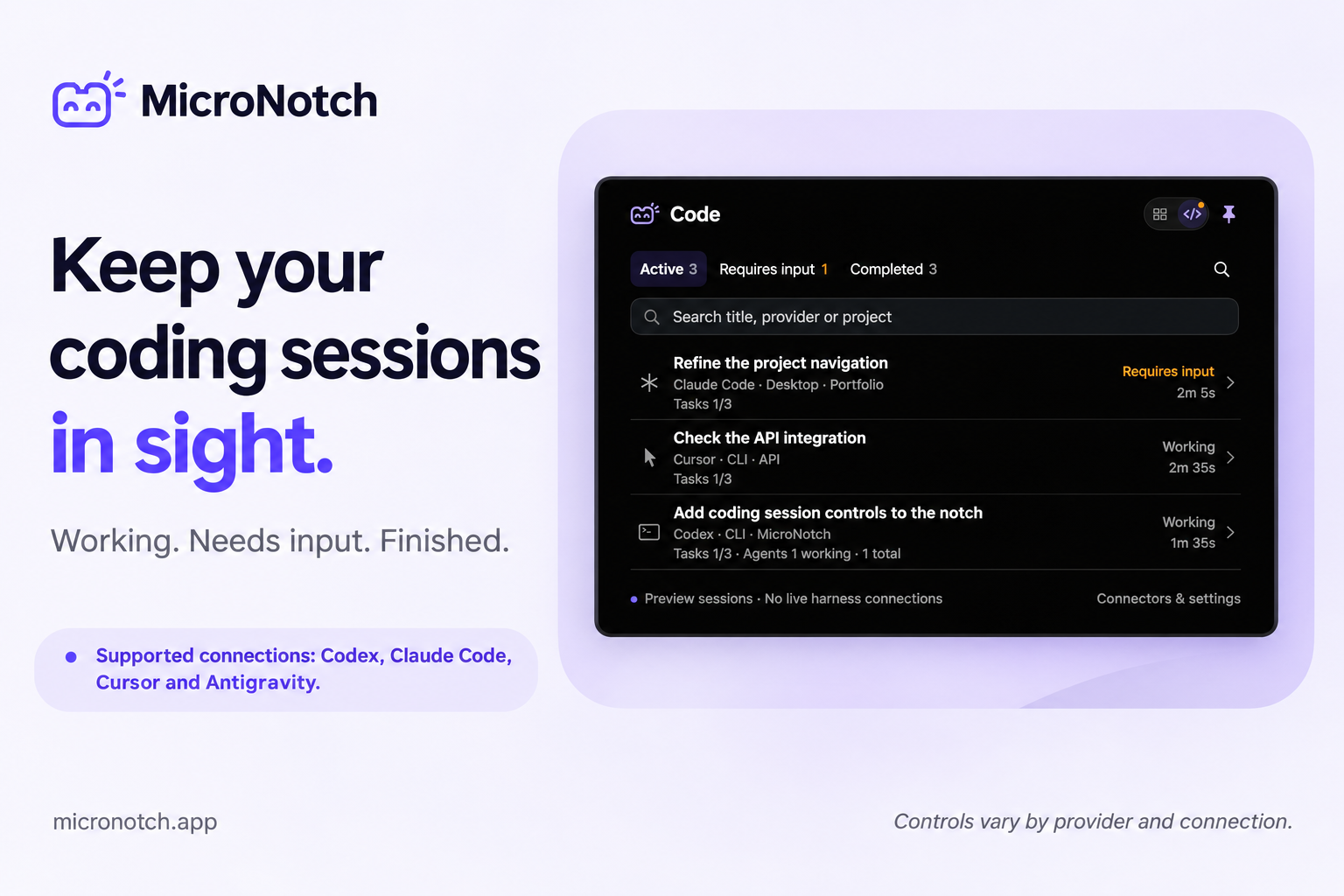
Dictate English on-device with MicroVoice, follow supported sessions from Codex, Claude Code, Cursor and Antigravity, and see what needs your input. Search clipboard history, keep files ready to share, control music, take notes and start focus timers from one compact panel.
Works with or without a notch, including external displays.
Requires macOS 26+. Try it free for three days, with no card required.
One-time licence for two Macs; no subscription.
What has shipped since
Nothing posted yet.
No updates yet
When Adam ships something, it shows up here.
0 comments
Sign in to ask the maker a question.
Log in
No comments yet
First question about MicroNotch goes here.
This launch
- Launch week
- 8 Mar – 14 Mar 2027
- Placed
- #12 of 12
- Category
- Productivity
The maker
Adam Godsall
Share it
Launching alongside



More in Productivity